What is iTunes Gift Card?
An iTunes Gift Card is a prepaid digital or physical gift card that can be used to add funds to your Apple account. It allows users to purchase apps, games, music, movies, TV shows, books, and subscriptions from Apple’s services.
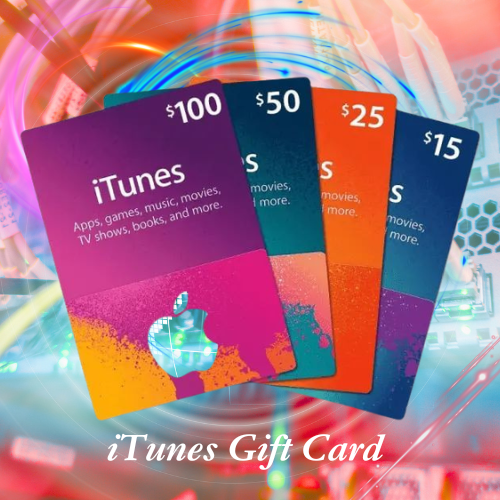
Key points:
- Adds credit to your Apple ID balance.
- Can be used for purchases on Apple services.
- Available in digital and physical formats.
- Makes a great gift for Apple users.
- No bank account or credit card is required to spend the redeemed balance.
- Can be used for apps, games, music, movies, and subscriptions where eligible.
Today, Apple gift cards have largely replaced the older iTunes-specific gift cards in many countries, but people still commonly refer to them as “iTunes Gift Cards.”
How to Use iTunes Gift Card?
Get an iTunes Gift Card or receive one as a gift. Locate the redemption code on the card or in the email. Open the App Store on your iPhone, iPad, or Mac.
Tap your profile icon and choose Redeem Gift Card or Code. Enter the code or scan it using your device’s camera. The gift card value will be added to your Apple ID balance. Use the balance to purchase apps, games, music, movies, TV shows, books, and subscriptions.
Your Apple ID balance will be used automatically when you make eligible purchases.

How to Get iTunes Gift Card?
1. Buy from Apple
- Purchase directly from iTunes Gift Cards
- Choose a physical card or a digital card sent by email
2. Buy from Authorized Retailers
- Electronics stores
- Supermarkets
- Convenience stores
- Online retailers that sell Apple gift cards
3. Receive as a Gift
- Friends or family can purchase and send an iTunes/Apple Gift Card to you
4. Earn Through Rewards Programs
- Some survey, cashback, or rewards programs offer Apple gift cards as redemption options
Important Tips
- Buy only from trusted and authorized sellers
- Avoid websites claiming to generate free gift card codes
- Check that the gift card is valid for your country or region

How to Redeem iTunes Gift Card?
You can redeem an iTunes Gift Card (now usually an Apple Gift Card) and add its value to your Apple Account balance.
On iPhone or iPad
- Open the App Store.
- Tap your profile picture at the top.
- Select Redeem Gift Card or Code.
- Enter the code manually or use the camera to scan it.
- Tap Redeem.
On Mac
- Open the App Store.
- Click your name or the sign-in button.
- Click Redeem Gift Card.
- Enter the code and follow the instructions.
On Windows
- Open the Apple Music App or Apple TV App.
- Sign in with your Apple Account.
- Find the Redeem option and enter the code.
After Redeeming
The gift card balance is added to your Apple Account and can be used for:
- Apps and games
- Music and movies
- Books
- Apple subscriptions such as Apple Music and iCloud+
Tips
- Redeem the card using the correct Apple Account.
- Make sure the code is entered exactly as shown.
- If the code doesn’t work, verify that the card has been activated and is valid for your region.