What is Nintendo Gift Card?
A Nintendo Gift Card is a prepaid code that adds money to your account on the Nintendo eShop.
Once you redeem it, the value is converted into Nintendo eShop credit, which you can use to buy digital content.
What you can use it for:
- Nintendo Switch games
- Downloadable content (DLC)
- In-game items
- Apps or digital services available on the Nintendo eShop
Simple meaning:
It’s like digital cash for Nintendo’s online store, so you can shop without using a bank card.

How to Get Nintendo Gift Card?
You can get a Nintendo Gift Card from both online and offline sources. It’s basically sold like a prepaid code.
Here are the common ways:
1. Online Stores
You can buy digital codes from:
- Official or authorized gaming stores
- Online marketplaces (like Amazon or similar local e-commerce sites)
After purchase, you receive a redeem code by email.
2. Physical Shops
You can buy a physical card from:
- Game shops
- Electronics stores
- Supermarkets or gift card retailers
The card will have a scratch-off code on it.
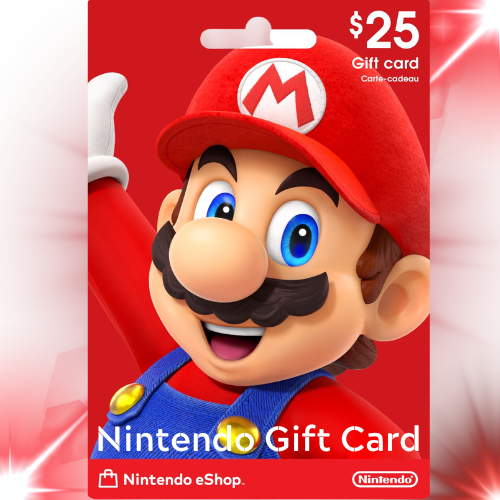
How to use Nintendo Gift Card?
Using a Nintendo Gift Card is simple. You just redeem the code and the money goes into your account on the Nintendo eShop.
How to use it (step by step):
On Nintendo Switch:
- Turn on your Nintendo Switch
- Open the Nintendo eShop
- Select your user account
- Go to “Enter Code” or “Redeem Code”
- Type the 16-digit code from your gift card
- Confirm it
- The balance will be added to your eShop account

How to Redeem Nintendo Gift Card?
To redeem a Nintendo Gift Card, you need to enter its code in the Nintendo eShop on your device or website.
On Nintendo Switch:
- Turn on your Nintendo Switch
- Open the Nintendo eShop
- Select your user profile
- Scroll down and choose “Enter Code” / “Redeem Code”
- Type the 16-digit gift card code carefully
- Press Confirm
- The balance will be added to your account on Nintendo
After redeeming:
- Your eShop balance increases
- You can use it to buy games, DLC, or in-game items